

Social Media Visual
Before-and-After Workspace Stories
A vertical social prompt for immediate transformation stories with clear stages, a focal object, and safe mobile margins.
Featured real result
What this prompt produced
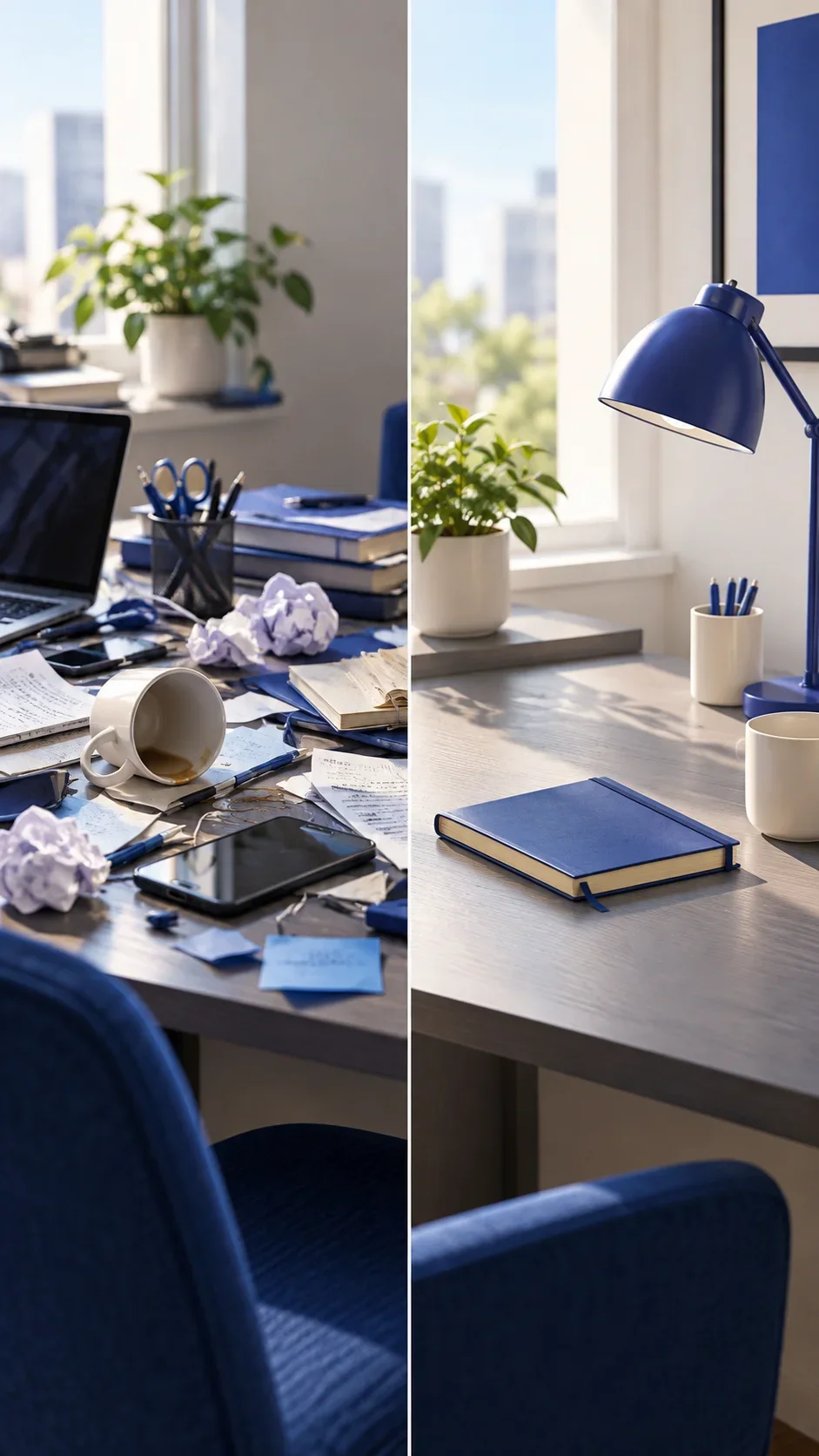
The red-handled tool bridges the two desk states and gives the vertical story an immediate hook.
The master prompt
Create a vertical 9:16 social visual showing a transformation from [BEFORE_STATE] toward [AFTER_STATE] in [SETTING], centered on [FOCAL_OBJECT], using [COMPOSITION], [LIGHTING], and [PALETTE]. Make the before-and-after relationship immediately readable, keep a strong first-screen hook, and preserve safe top and bottom margins for later overlays. No readable text, logos, watermark, or clutter.
Visual direction
Style: Mobile-first social storytelling with clear transformation structure and tactile environments.
Lighting: Overhead daylight, sunrise, afternoon direction, and morning side light separate each transformation.
Composition: Two states share one vertical space, with an anchor object guiding the eye between them.
Variables
- BEFORE_STATE — starting condition
- AFTER_STATE — transformed condition
- SETTING — shared environment
- FOCAL_OBJECT — visual anchor
- COMPOSITION — mobile arrangement
- LIGHTING — transformation light
- PALETTE — social colors
How to use it
- Choose a transformation that can be read without captions.
- Keep the focal object consistent across both states.
- Add platform typography and labels later, outside generation.
Same master prompt, different variables
Demo variations
Demo 01
a cluttered craft table
- AFTER_STATE
- an organized working setup
- SETTING
- a small studio desk
- FOCAL_OBJECT
- a red-handled tool
- COMPOSITION
- split-depth vertical frame with before left and after right
- LIGHTING
- crisp overhead daylight
- PALETTE
- vermilion, bone, and slate
The red-handled tool bridges the two desk states and gives the vertical story an immediate hook.

Demo 02
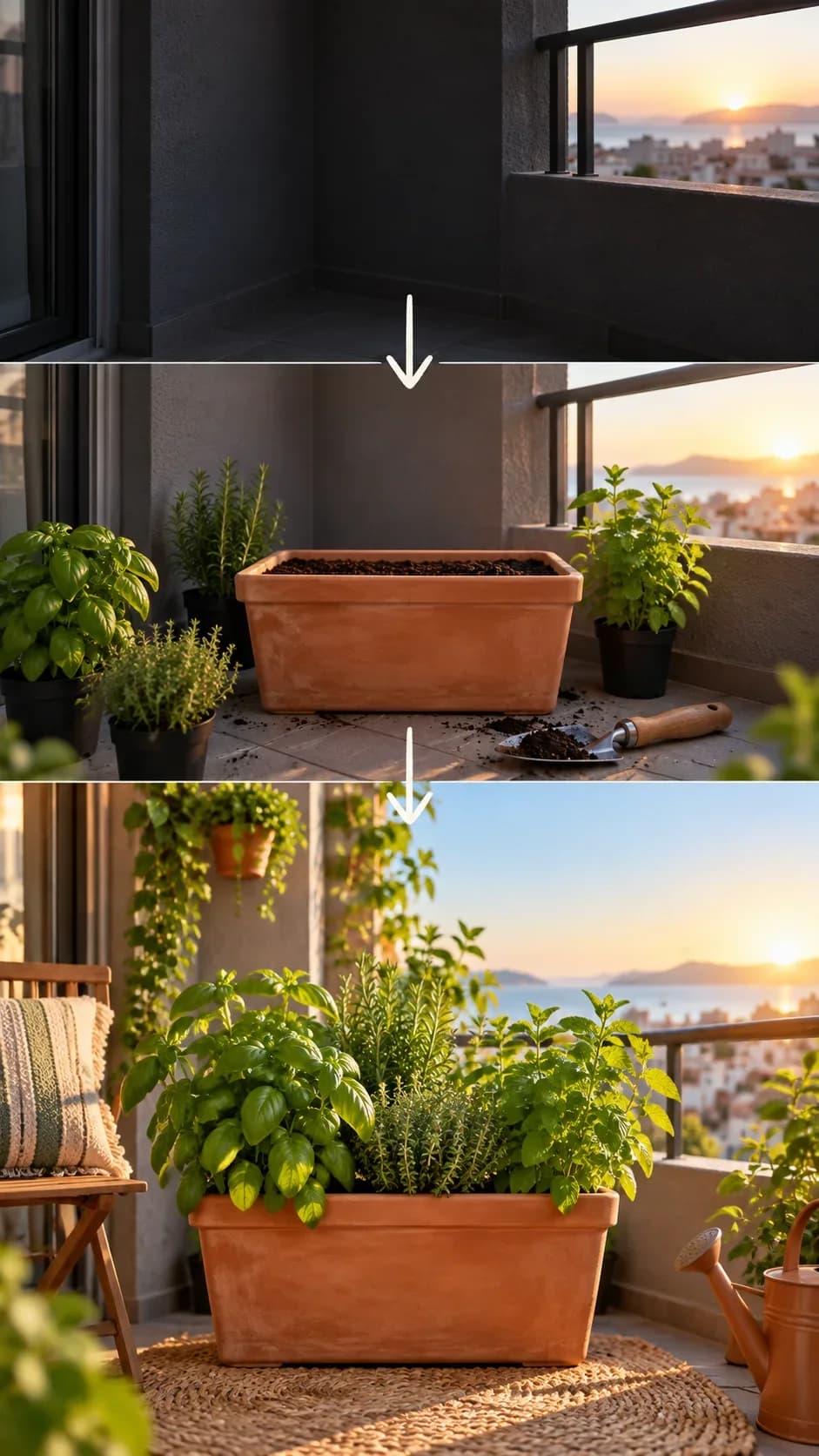
a dark balcony corner
- AFTER_STATE
- a bright herb-growing nook
- SETTING
- a compact apartment balcony
- FOCAL_OBJECT
- a terracotta planter
- COMPOSITION
- vertical progression from shadowed lower frame to bright upper frame
- LIGHTING
- sunrise side light
- PALETTE
- terracotta, green, and sky blue
The planter stays central as the balcony shifts from shadow to a usable growing nook.
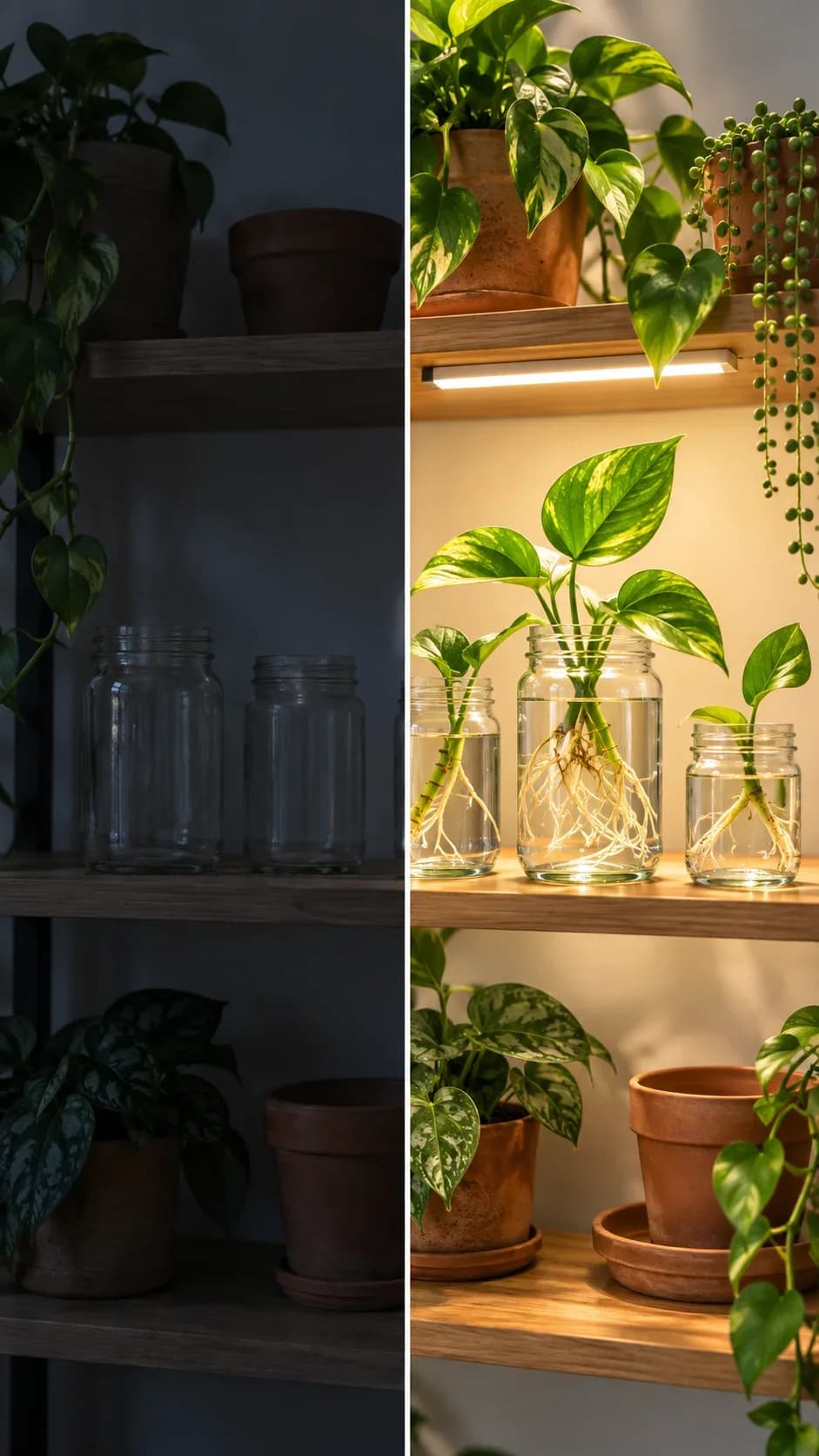
Demo 03
a blank wall
- AFTER_STATE
- a curated photo display
- SETTING
- a quiet hallway
- FOCAL_OBJECT
- one cobalt frame
- COMPOSITION
- ladder-like vertical arrangement with visible stages
- LIGHTING
- directional afternoon light
- PALETTE
- cobalt, paper white, and warm wood
The cobalt frame creates a strong vertical rhythm and the wall stages remain easy to compare.
Demo 04
a bare kitchen counter
- AFTER_STATE
- a small breakfast station
- SETTING
- a bright home kitchen
- FOCAL_OBJECT
- a ceramic mug and tray
- COMPOSITION
- two-stage vertical counter view with clear practical grouping
- LIGHTING
- bright morning side light
- PALETTE
- cream, cobalt, and wood
The mug and tray make the counter transformation practical and recognizable at feed scale.
Consistency / testing notes
Transformation clarityCONSISTENT
Every demo communicates a visible state change through one shared setting.
Mobile hierarchyCONSISTENT
The focal object and transformation remain readable in a tall feed frame.
Overlay-safe marginsMOSTLY CONSISTENT
Margins remain useful, with the balcony scene using slightly more vertical environmental space.
All four demos use final master prompt version v1-b7-before-after-workspace-stories; only declared variable values changed. Four authentic generations were assessed as one set.
Tips for better results
- Place the hook where it survives a first-screen crop.
- Reserve clean top and bottom margins for interface overlays.
- Keep before-state clutter intentional but not noisy.
Limitations
- Generated before-and-after relationships may not be perfectly literal.
- The image cannot prove a real process or result.
- Review platform crops and accessibility text before posting.